March 15, 2026 • 12 min read
What Is Web Scraping? Complete Beginner Guide (With Python Examples)
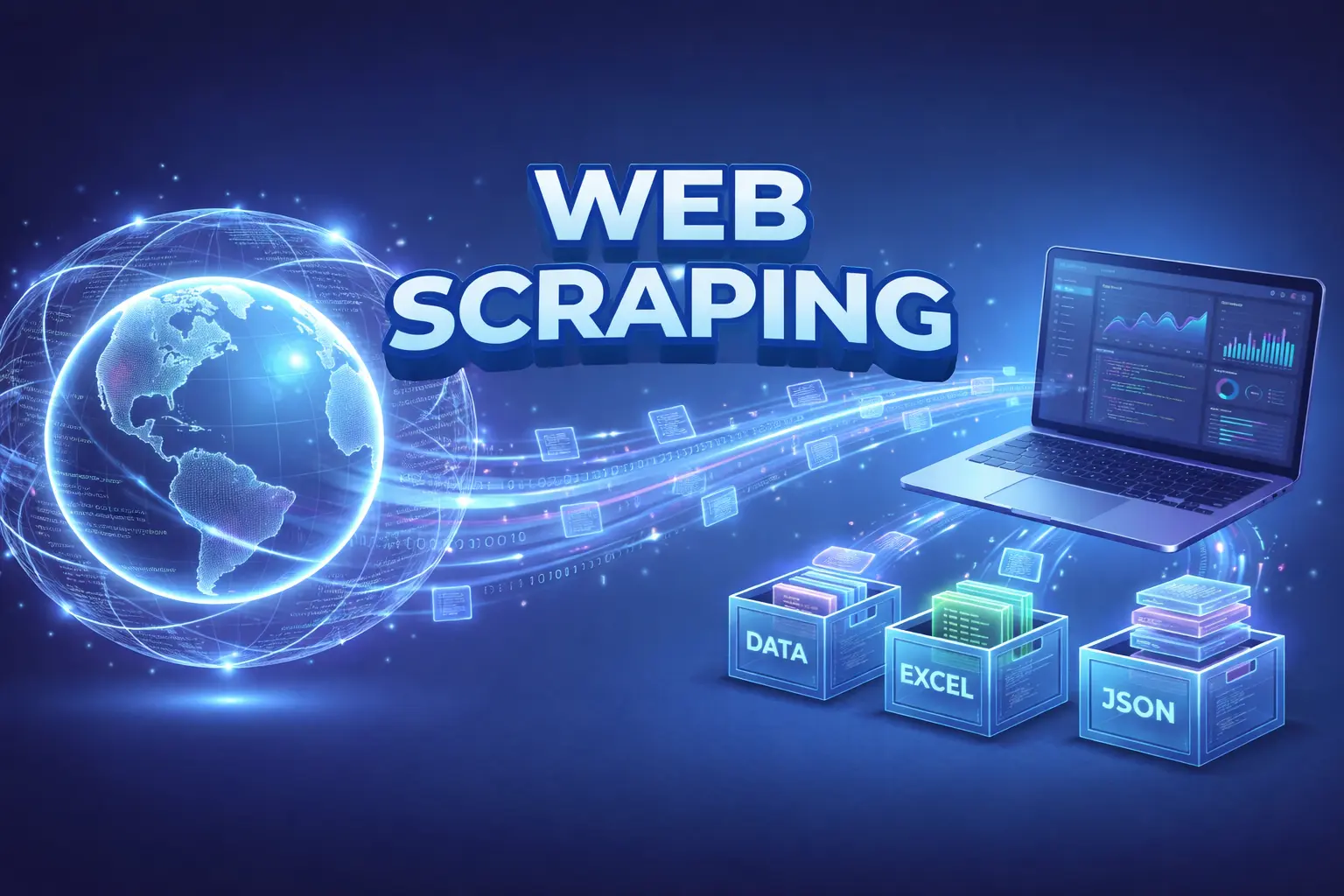
What Is Web Scraping? Complete Beginner Guide (With Python Examples)
The internet contains billions of webpages filled with valuable data. From product prices and job listings to research datasets and news articles, much of this information is publicly accessible but not always easy to collect.
This is where web scraping becomes useful.
Web scraping allows developers and analysts to automatically extract data from websites, turning unstructured web pages into structured datasets that can be analyzed or used in applications.
In this beginner guide, you will learn:
- What web scraping is
- How web scraping works
- Common real-world use cases
- Popular web scraping tools
- How to build your first scraper using Python, BeautifulSoup, and Scrapy
- Legal and ethical considerations
What Is Web Scraping?
Web scraping is the automated process of extracting data from websites using scripts, bots, or scraping tools.
Instead of manually copying information from webpages, a web scraper:
- Visits a webpage
- Reads its HTML structure
- Extracts specific data
- Saves the data into a structured format
Common output formats include:
- CSV
- JSON
- Excel
- Databases
Example
A scraper could collect:
| Website | Data Collected |
|---|---|
| E-commerce site | product price, ratings |
| Job board | job titles, company names |
| News site | headlines |
| Real estate website | house prices |
This process enables large-scale data collection in seconds instead of hours.
Why Web Scraping Is Important
Web scraping powers many modern data-driven businesses.
1. Market Research
Companies collect competitor pricing, product listings, and reviews.
Example:
- Monitoring Amazon product prices
- Tracking competitor discounts
2. Lead Generation
Businesses extract contact data from directories or company websites.
3. Price Monitoring
Retailers automatically adjust pricing using scraped competitor data.
4. Data Science & AI
Machine learning models often require large datasets gathered from the web.
5. Content Aggregation
Platforms like news aggregators gather articles from multiple sources.
How Web Scraping Works
Web scraping usually follows a simple pipeline.
Step 1: Send HTTP Request
A script sends a request to a website, similar to a browser.
Example request:
GET https://quotes.toscrape.com
Step 2: Download HTML
The server returns the webpage content.
Example structure:
<div class="quote">
  <span class="text">“The world as we have created it is a process of our thinking.”</span>
  <small class="author">Albert Einstein</small>
</div>
Step 3: Parse the HTML
The scraper reads the HTML structure of the webpage to understand where the desired data is located.
Step 4: Extract Data
The script identifies specific elements using:
- CSS selectors
- XPath
- HTML tags
Step 5: Store Data
Finally, the extracted data is saved into a structured format.
Common formats include:
- CSV
- JSON
- SQL database
Python Web Scraping Example (BeautifulSoup)
Python is the most popular language for web scraping thanks to its powerful ecosystem of libraries.
In this example, we will scrape quotes from the website:
Install Dependencies
pip install requests beautifulsoup4
Basic Web Scraper Example
import requests
from bs4 import BeautifulSoup

url = "https://quotes.toscrape.com"

response = requests.get(url)

soup = BeautifulSoup(response.text, "html.parser")

quotes = soup.find_all("span", class_="text")
authors = soup.find_all("small", class_="author")

for quote, author in zip(quotes, authors):
    print(f"{quote.text} - {author.text}")
Python Web Scraping with Scrapy
For larger scraping projects, developers often use Scrapy, a powerful web scraping framework.
Scrapy is faster and more scalable than simple scripts.
Install Scrapy
pip install scrapy
Create a Scrapy Project
scrapy startproject quote_scraper
Navigate into the project folder:
cd quote_scraper
Example Scrapy Spider
Create the following file:
spiders/quotes_spider.py
Spider Code
import scrapy

class QuotesSpider(scrapy.Spider):
    name = "quotes"
    start_urls = ["https://quotes.toscrape.com"]

    def parse(self, response):
        quotes = response.css("div.quote")

        for quote in quotes:
            yield {
                "text": quote.css("span.text::text").get(),
                "author": quote.css("small.author::text").get(),
            }
Run the Spider
scrapy crawl quotes
Export Results
scrapy crawl quotes -o quotes.json
Example Output
[
  {
    "text": "The world as we have created it is a process of our thinking.",
    "author": "Albert Einstein"
  }
]
Popular Web Scraping Tools
Python Libraries
| Tool | Description |
|---|---|
| BeautifulSoup | Simple HTML parser |
| Scrapy | Full web scraping framework |
| Selenium | Browser automation |
No-Code Tools
For non-developers, some tools allow scraping without programming:
- Octoparse
- ParseHub
- Web Scraper Chrome Extension
- These tools provide visual interfaces for extracting data from websites.
Challenges in Web Scraping
Web scraping is powerful, but it comes with several technical challenges.
1. Dynamic Websites
Many modern websites load content using JavaScript, which makes it difficult to scrape using simple HTTP requests.
Possible Solutions
- Selenium
- Playwright
2. Anti-Bot Protection
Many websites implement security mechanisms to block automated scraping.
Common protections include:
- CAPTCHA
- IP blocking
- Rate limiting
Possible solutions:
- Rotating proxies
- Request delays
- User-agent rotation
3. Website Structure Changes
If a website changes its HTML layout, the scraper may stop working.
Developers often need to update CSS selectors or XPath expressions to maintain the scraper.
Is Web Scraping Legal?
The legality of web scraping depends on several factors:
- Website Terms of Service
- The type of data being scraped
- Local laws and regulations
Generally Allowed
- Public data
- Open datasets
Potentially Risky
- Scraping copyrighted content
- Scraping personal data
- Ignoring
robots.txtrules
Best Practices
- Respect request rate limits
- Follow
robots.txtguidelines - Avoid collecting sensitive or private data
Web Scraping vs Web Crawling
These two concepts are often confused.
| Feature | Web Crawling | Web Scraping |
|---|---|---|
| Purpose | Discover webpages | Extract data |
| Used by | Search engines | Developers and analysts |
| Process | Index webpages | Collect targeted information |
Search engines like Google use web crawlers, while developers build scrapers to extract specific datasets.
Best Practices for Web Scraping
To build reliable and responsible scrapers:
Respect Website Limits
Avoid sending too many requests in a short time.
Use HTTP Headers
Simulate real browsers by adding HTTP headers such as User-Agent.
Add Request Delays
import time
time.sleep(2)
Handle Errors
Implement retry logic and error handling to make your scraper more robust.
Conclusion
Web scraping is a powerful technique for automatically collecting data from the web. It plays an important role in many fields, including:
- Market intelligence
- Data science
- Machine learning
- Business automation
With tools like BeautifulSoup and Scrapy, beginners can quickly start building web scrapers and extracting useful information from websites.
However, web scraping should always be done responsibly by respecting legal guidelines, ethical practices, and website policies.